
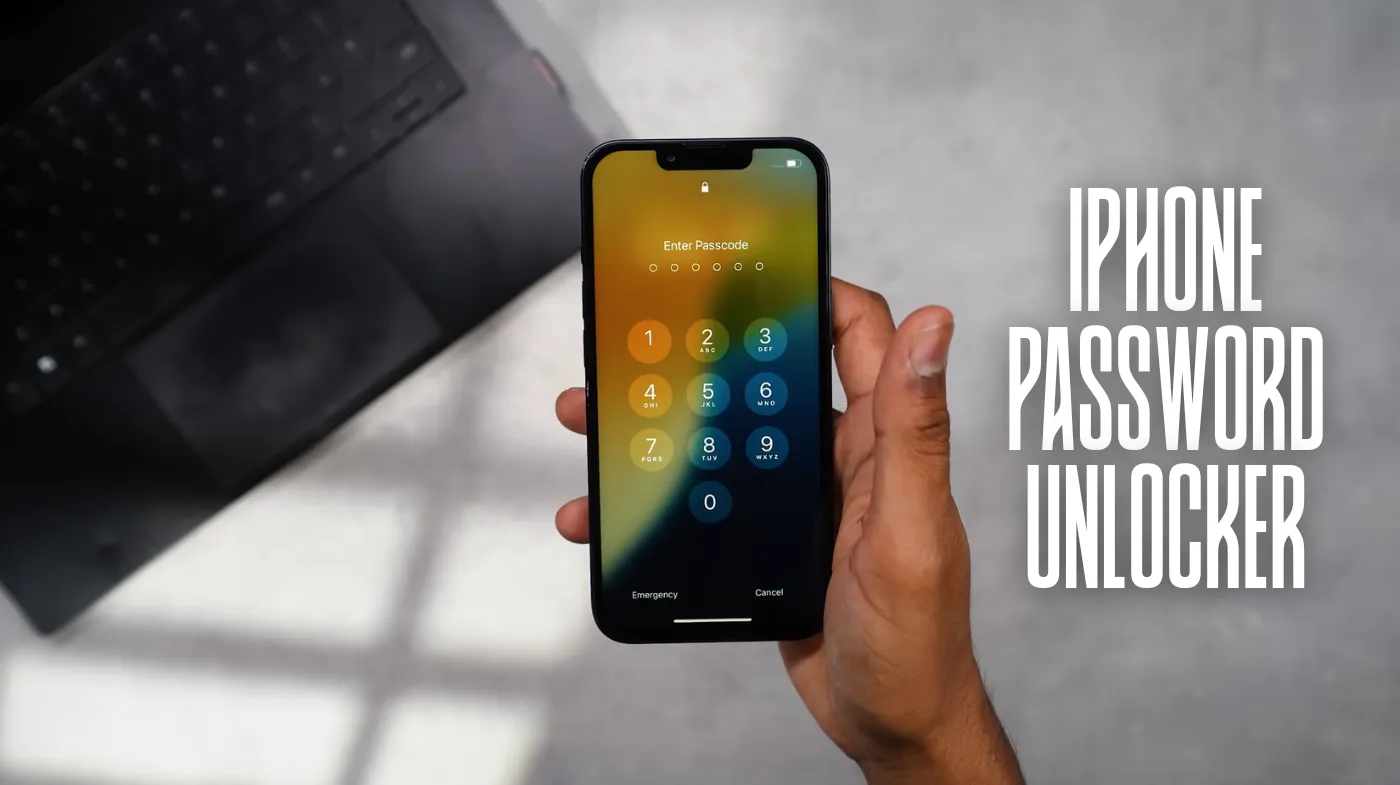
Locked out of your iPhone and feeling helpless? iPhone password recovery doesn’t have to be a nightmare that costs you precious data or hours of frustration. Whether you’ve forgotten your six-digit passcode, disabled Face ID, or inherited a locked device, multiple legitimate solutions exist to regain access safely and efficiently.
This comprehensive guide reveals proven methods ranging from instant biometric recovery to professional Apple support services. You’ll discover how to leverage emergency access techniques, evaluate third-party software safely, and implement bulletproof prevention strategies that eliminate future lockouts entirely.
From free DIY solutions to premium recovery tools, we’ll explore every option while protecting your personal data and device security. Most importantly, you’ll learn the exact steps to create an unbreakable security framework that balances convenience with protection.
Emergency Access Methods for Locked iPhones
When faced with a locked iPhone, several immediate solutions can help you regain access without losing precious data or waiting for professional assistance.
Face ID and Touch ID Recovery Options
Modern iPhones offer biometric alternatives that can bypass traditional passcode entry. Face ID technology scans your facial features, while Touch ID uses fingerprint recognition. These methods remain active even when you forget your numerical passcode.
If biometric authentication fails repeatedly, your iPhone will prompt you to enter your passcode. However, you can often restart the biometric process by pressing the side button and volume button simultaneously, then attempting Face ID or Touch ID again.
Apple ID Account Recovery Process
Your Apple ID serves as a master key for iPhone recovery. Through Apple’s official account recovery system, you can reset device access using verified email addresses or phone numbers associated with your account.
Navigate to Apple’s iForgot website using any web browser. Enter your Apple ID email address and follow the step-by-step verification process. Apple will send recovery codes to your trusted devices or phone numbers, allowing you to reset your iPhone passcode remotely.
iTunes and Finder Backup Restoration
If you’ve previously synced your iPhone with iTunes or Finder, you can restore device access through your computer. This method requires that you’ve established a trusted computer relationship before the lockout occurred.
Connect your iPhone to the previously synced computer and open iTunes or Finder. Select your device and choose the restore option. This process will erase current data but restore your iPhone to the most recent backup, including passcode settings.
Professional iPhone Unlocking Software Solutions
Third-party software applications offer alternative approaches to iPhone password recovery, though users should carefully evaluate the legitimacy and security implications before proceeding.
Legitimate Third-Party Recovery Tools
Several reputable companies develop iPhone unlocking software that works within legal boundaries. These applications typically require computer installation and USB connection to your locked iPhone.
Popular legitimate options include Dr.Fone, 3uTools, and Tenorshare 4uKey. These programs often support multiple iPhone models and iOS versions, providing step-by-step guidance through the unlocking process while attempting to preserve user data.
Software Safety and Security Considerations
Before downloading any third-party unlocking software, verify the company’s reputation through reviews and security certifications. Malicious software disguised as iPhone unlockers can compromise your personal information or install harmful programs on your computer.
Always download software directly from official company websites rather than third-party download sites. Read user agreements carefully to understand data collection policies and ensure the software doesn’t violate Apple’s terms of service.
When creating secure access credentials for your recovered device, consider using an extremely strong password generator to prevent future lockout situations.
Apple’s Official Recovery Services and Support
Apple provides comprehensive support services for customers experiencing iPhone lockout issues, offering both remote assistance and in-person solutions through authorized service providers.
Apple Support App and Website Resources
The official Apple Support app offers guided troubleshooting for locked iPhone situations. Through the app, you can chat with support representatives, schedule appointments, or access self-service recovery options.
Apple’s website features detailed step-by-step guides for various lockout scenarios. These resources include video tutorials, downloadable guides, and compatibility checkers to ensure you’re following appropriate procedures for your specific iPhone model.
Genius Bar and Authorized Service Provider Options
Apple Stores offer in-person support through Genius Bar appointments. Trained technicians can verify your device ownership and perform advanced recovery procedures that aren’t available through self-service methods.
Authorized service providers offer similar capabilities outside of Apple Store locations. These partners maintain Apple certification and can perform official recovery procedures while maintaining warranty coverage and security standards.
After recovering your device, implementing a strong and unique password checker can help verify your new passcode meets security requirements.
Remote Support and Screen Sharing Services
Apple’s remote support options allow technicians to guide you through recovery processes via screen sharing and phone calls. This service proves particularly valuable when traveling or when local Apple Store access isn’t available.
Remote support representatives can walk you through iTunes recovery procedures, Apple ID verification steps, and backup restoration processes. They can also coordinate with local service providers if hardware intervention becomes necessary.
Prevention Strategies and Security Best Practices

Implementing proactive security measures significantly reduces the likelihood of future iPhone lockout situations while maintaining robust device protection against unauthorized access.
Setting Up Alternative Access Methods
Configure multiple authentication methods to ensure access redundancy. Enable both Face ID and Touch ID when available, providing biometric alternatives to traditional passcode entry.
Establish trusted phone numbers and email addresses in your Apple ID settings. These verified contacts serve as recovery options when primary access methods fail, enabling account recovery without lengthy verification processes.
Regular Backup and Sync Procedures
Maintain current iTunes or iCloud backups to ensure data preservation during recovery procedures. Automated backups reduce the risk of data loss while providing recent restore points for device recovery.
Schedule regular sync sessions with trusted computers, establishing authorized device relationships before lockout situations occur. This preparation enables streamlined recovery through iTunes or Finder without additional verification steps.
Password Management and Documentation
While avoiding written password storage, consider secure digital password managers that sync across devices. This approach provides access to recovery information without compromising security through physical documentation.
For basic security needs, a 6-digit password generator can create memorable yet secure passcodes that balance accessibility with protection. Document recovery contact information in secure locations separate from your iPhone to ensure availability during lockout situations.
Family Sharing and Recovery Contacts
Enable Family Sharing features that allow trusted family members to assist with account recovery. This system provides additional verification methods while maintaining security through established trust relationships.
Beyond basic device access, proper security extends to all iPhone features, including managing iPhone hotspot passwords to ensure secure connectivity and sharing with trusted devices.
Frequently Asked Questions
How long does iPhone password recovery typically take?
Recovery time varies significantly based on the chosen method. Biometric recovery through Face ID or Touch ID provides immediate access, while Apple ID recovery typically takes 15-30 minutes.
Third-party software solutions may require 30-60 minutes, and professional service appointments can take 1-2 hours depending on complexity and verification requirements.
Will unlocking my iPhone delete all stored data?
Most recovery methods preserve existing data, particularly biometric authentication and Apple ID recovery procedures. However, iTunes restoration and some third-party software solutions may require a complete device reset, erasing current data while restoring from previous backups.
Secure Your iPhone Access Moving Forward
Successfully recovering access to your locked iPhone represents just the first step in maintaining optimal device security. By implementing multiple authentication methods and establishing recovery contacts, you create a comprehensive security framework that balances protection with accessibility.
The key to preventing future lockout situations lies in proactive preparation rather than reactive solutions. Whether through biometric setup, trusted device configuration, or secure password management, taking preventive measures today ensures smoother access tomorrow while maintaining robust security.